Kiwibit Bird Feeder 2 Pro Review: Worth the Premium?
Is Kiwibit's Bird Feeder 2 Pro worth its premium price? Our research-based 2026 review weighs its PDAF autofocus, 4K HDR recording, solar power, AI software packages, 1.7 L dual hopper, and backyard maintenance.
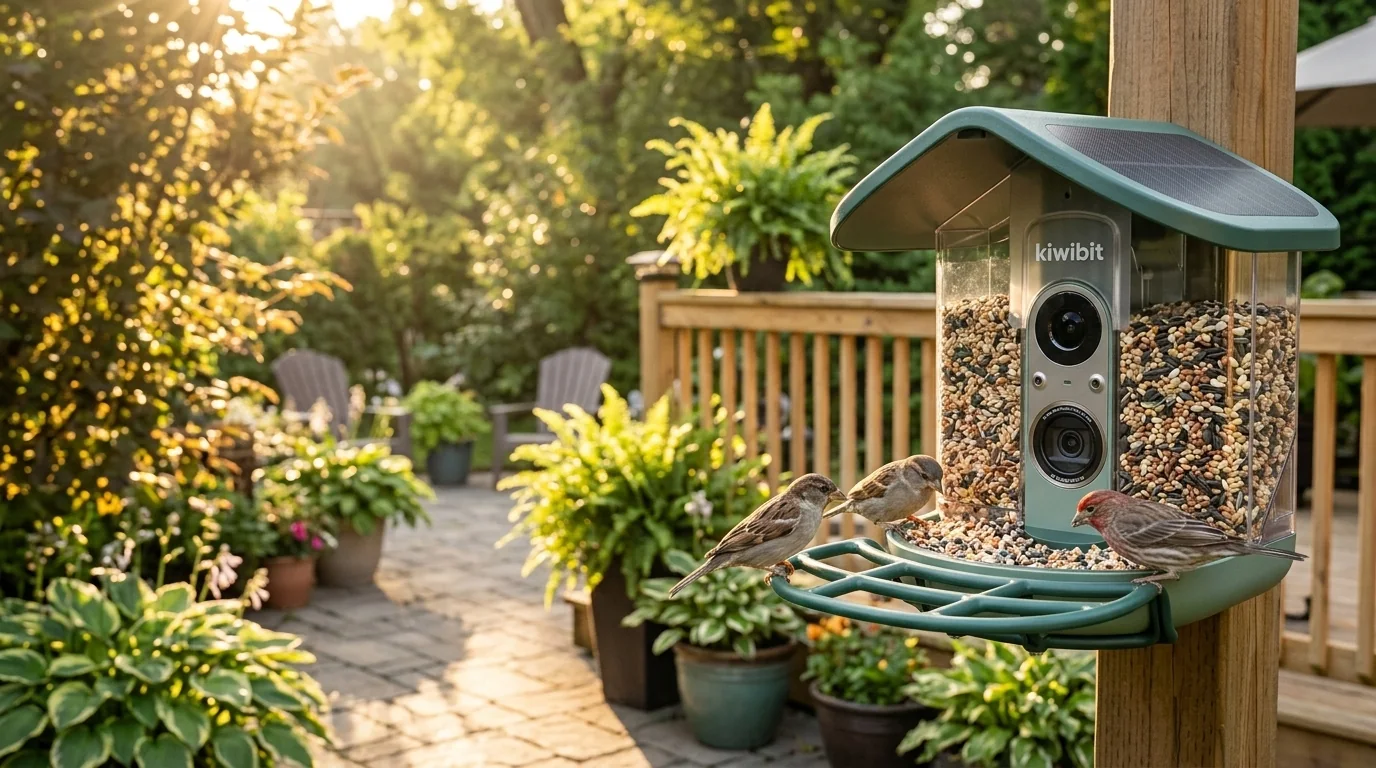 Demo photo
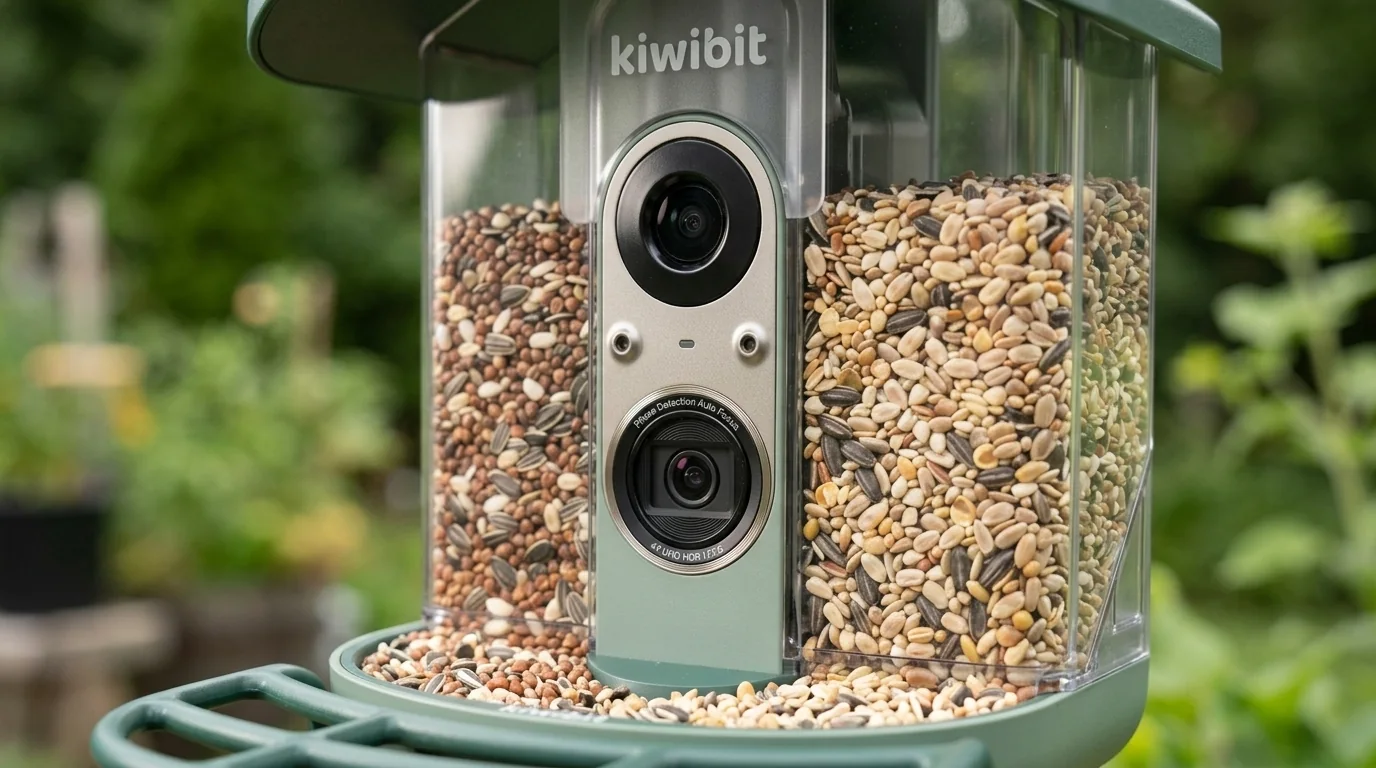
The hero and gallery are AI-assisted illustrative images created from product references for ShopSmart's video review. They are not hands-on photographs or footage captured by the Kiwibit camera, and fine details of the product, mounting hardware, seed containers and finish may differ from the retail unit. Please check the official listing for its exact appearance.
What stands out
For wildlife enthusiasts who care about crisp close-up bird footage, the Kiwibit Bird Feeder 2 Pro has a compelling hardware proposition: autofocus, 4K HDR imaging and a solar-powered outdoor enclosure. It is less persuasive for anyone who just wants occasional backyard notifications. The difference between subscription and lifetime-AI packages, plus routine feeder maintenance, deserves as much attention as the camera specifications.
Key features and specs
Kiwibit Bird Feeder 2 Pro, Amazon US ASIN B0H1RR8K9X. Do not confuse with the standard Bird Feeder 2 or Bird Feeder 2 Mini.
Manufacturer advertises a 4K HDR camera, 130° field of view and phase-detection autofocus (PDAF).
The Pro's advertised 4K mode operates at up to 15 fps, not 60 fps; 4K is about detail, not high frame-rate motion.
Up to 1080p/120 fps slow-motion mode, subject to compatible storage and configuration.
Built-in solar roof, advertised 5 W solar system and removable rechargeable battery. Kiwibit literature describes a capacity around 5,200 mAh; confirm the exact version.
Dual removable sections with approximately 1.7 liters combined capacity, according to product materials.
IP65 weather resistance; actual charging and signal depend on placement and conditions.
Both 2.4 GHz and 5 GHz Wi-Fi are listed for the Pro.
Different Kiwibit listings advertise different AI entitlements; one reviewed subscription package was about $90/year, while a separate lifetime-AI version is advertised.
ShopSmart did not conduct field tests or measure battery life, autofocus speed, species identification accuracy or long-term durability.
Pros
- ✓Autofocus is a meaningful reason for wildlife-photography enthusiasts to consider the Pro over fixed-focus feeders.
- ✓4K HDR can capture detailed feather textures when lighting and subject movement cooperate.
- ✓Built-in solar roof and removable battery can reduce routine charging chores in sunny locations.
- ✓Two removable seed compartments allow distinct mixes and make maintenance convenient.
- ✓IP65 body and 2.4/5 GHz Wi-Fi are practical outdoor-focused specifications.
Cons
- ×15 fps in 4K is less fluid than higher-frame-rate video, particularly with fast-moving birds.
- ×Premium pricing may not make sense for casual backyard watching.
- ×App navigation, identification accuracy and occasional autofocus behavior have drawn criticism in independent reviews.
- ×AI service features vary by package; some configurations may involve ongoing fees.
- ×Seeds and visitors still require hygiene, cleanup and thoughtful placement.
- ×Solar operation depends on sunlight and how frequently the feeder records.
Product gallery
 Demo
Demo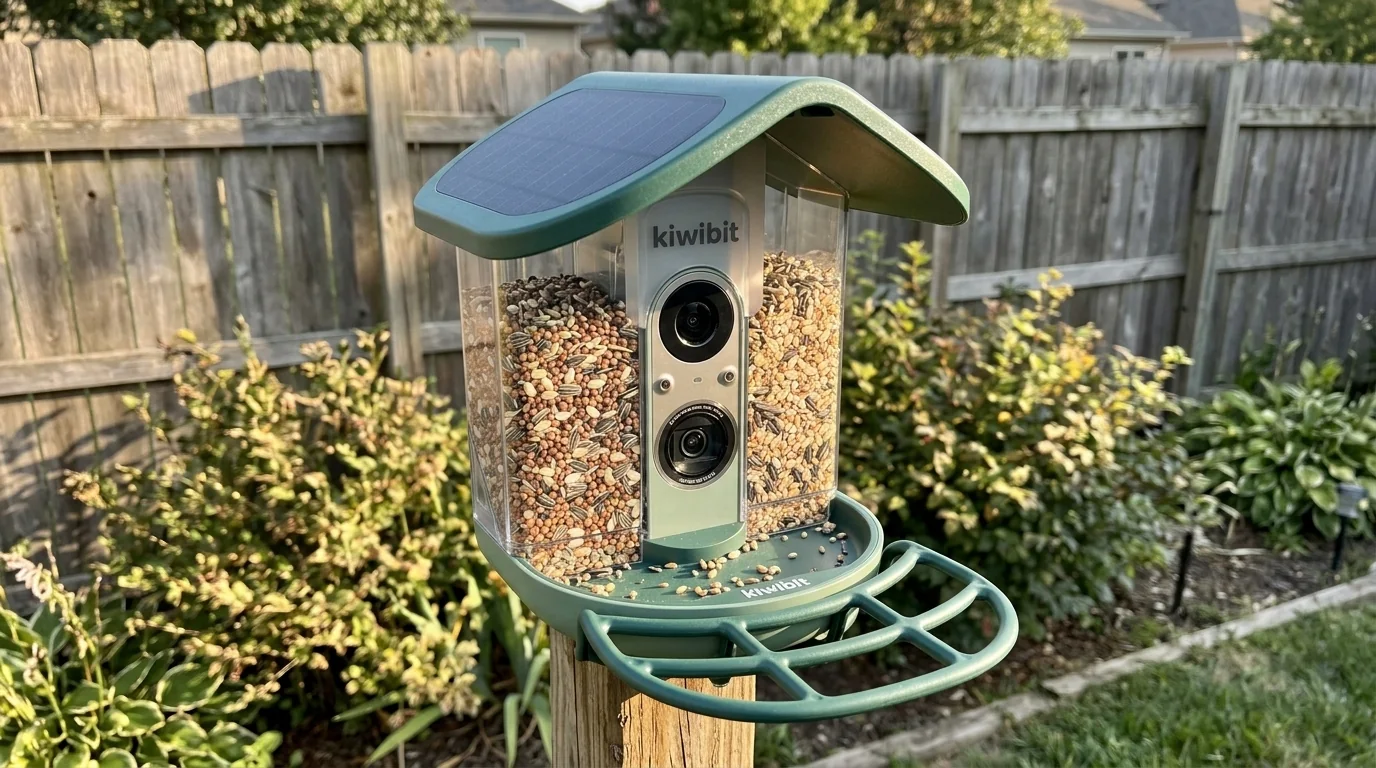 Demo
Demo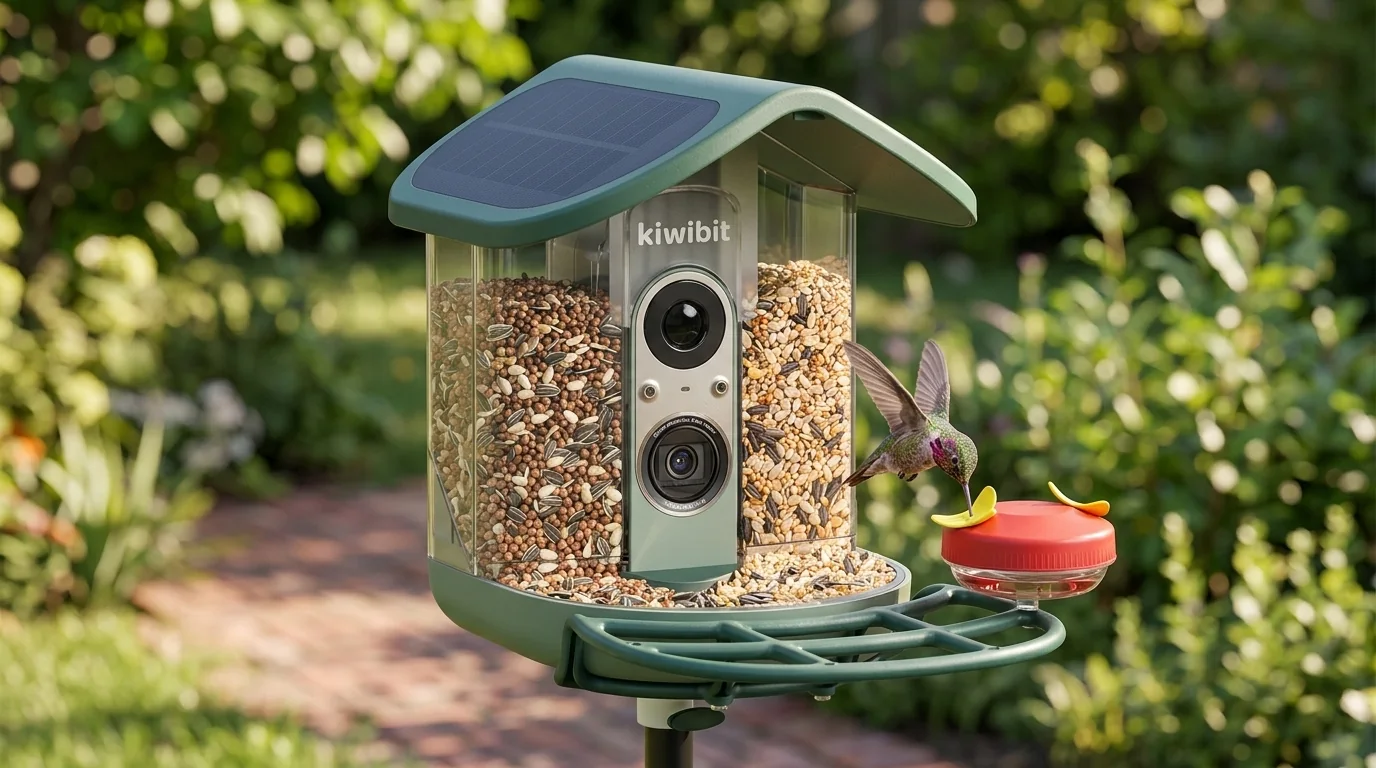 Demo
Demo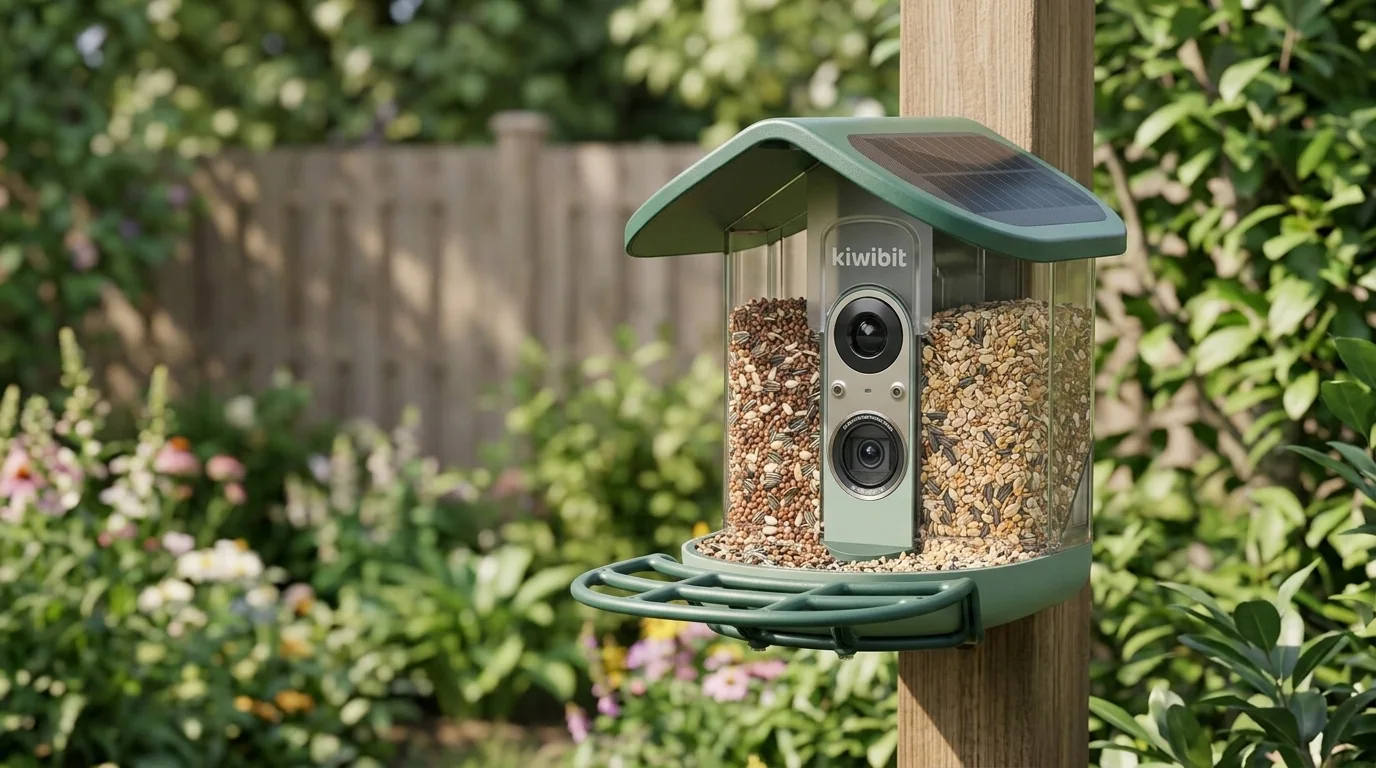 Demo
DemoIn-depth review
What makes the Pro different?
The Kiwibit Bird Feeder 2 Pro targets someone who wants more than a motion notification and a quick bird photo. Its main distinguishing feature is phase-detection autofocus: the lens can change focus as a bird moves toward or away from the camera. That is different from a fixed-focus design optimized for only one distance, and it can matter when a small bird leans close to the perch or shifts between spots.
Kiwibit pairs that feature with 4K HDR video and a wide 130-degree view. However, the biggest upgrade from Kiwibit's regular Bird Feeder 2 is the autofocus system, not simply the 4K resolution. Compare the exact models and recording specifications rather than assuming every model with 4K offers the same close-up behavior.
4K image quality versus video smoothness
The manufacturer advertises 4K HDR recording at up to 15 frames per second. That is potentially useful for seeing feather detail, but a 15 fps clip will not look as fluid as a typical 30 or 60 fps phone video, especially during a quick wing movement. It is worth considering what you really want to save: detailed close-ups of birds at the perch, or smooth footage of birds in flight.
The advertised 1080p slow-motion mode can reach up to 120 fps with compatible storage. That is a separate recording mode, so avoid comparing a 4K still frame with a slow-motion clip as though they use the same settings. Our ShopSmart video explains the distinctions using illustrative visuals; it does not present original camera samples captured by us.
Solar roof, battery and everyday setup
A solar roof is integrated into the feeder rather than dangling as a separate panel. Kiwibit also advertises a removable rechargeable battery and USB-C charging. In an exposed, sunny installation, the solar panel may reduce manual recharging, but weather, tree shade, notification frequency and recording behavior can make a substantial difference.
The Pro is marketed with IP65 resistance and dual-band 2.4/5 GHz Wi-Fi. Neither spec guarantees an easy installation in a distant corner of the garden: check your Wi-Fi signal at the planned mounting spot, pick a location where you can refill the seeds and clean the tray, and follow the manufacturer's mounting and weather guidance.
Feeding birds still involves maintenance
The approximately 1.7-liter dual-compartment hopper is a thoughtful design choice. You can keep different seed mixes separate, and removable containers make refilling and cleaning more straightforward than a permanently enclosed unit. That convenience matters more after weeks of use than it might seem from a product photo.
But even a smart feeder is still a food source for wildlife. Larger birds may occupy the perch, spilled food can attract unwanted visitors, and damp seed requires attention. Regular cleaning and prudent placement matter for the birds as well as your backyard. The automated app features do not replace those basic responsibilities.
The app, species identification and package differences
The Kiwibit app is intended for viewing visits, saving footage and receiving bird activity notifications. Select bundles include FeatherPal AI species identification. Being able to recognize a visitor can make everyday birdwatching more engaging, especially if you are learning which species appear near your home.
Be careful with the listing you buy. Kiwibit advertises both lifetime-AI and subscription-related offerings, while an independent WIRED review described a package with an AI/cloud plan of approximately $90 a year. This does not mean every Kiwibit Pro buyer pays $90 yearly or every version gets permanent free AI. Check the exact US product variant, feature table and renewal conditions. Independent reporting also mentions occasional species-ID mistakes and app-navigation friction.
Is the Kiwibit 2 Pro worth the premium?
At more than $200, the Bird Feeder 2 Pro sits in premium territory. The price makes more sense if you regularly enjoy backyard bird photography, want sharp close-ups and will make use of autofocus, slow motion and detailed archived footage. Its solar-centered design is also useful when the feeder lives outside most days.
If you only want the occasional notification that a bird is visiting, a simpler smart feeder may do the job at a lower total cost. Look closely at the standard Kiwibit Bird Feeder 2, more compact models and competing options from other brands. The best purchase is the one that matches your interest in photography and your tolerance for app fees and outdoor maintenance—not necessarily the device with the longest spec list.
Who should consider it?
- ✓Backyard birdwatchers who value close-up detail and autofocus.
- ✓Wildlife photographers interested in 4K HDR and dedicated slow-motion options.
- ✓People with a suitable sunny installation spot and reliable home Wi-Fi.
- ✓Enthusiasts who enjoy cataloging birds and understand the exact AI package.
Who should probably skip it?
- •Casual users who mainly want an occasional phone notification.
- •Shoppers who expect smooth 4K/60 fps video from every 4K-labeled product.
- •Anyone unwilling to clean an outdoor seed feeder routinely.
- •Buyers who prefer simple software or want to avoid the possibility of AI subscription fees.
Watch our full YouTube review
Check the latest price on Amazon
Compare the current price, dimensions, colors, availability and customer feedback before deciding.